

Google Business Profile ranking decides whether patients find your clinic or a competitor when they search “clinic near me.” In 2026, improving your Google Business Profile ranking takes more than a filled-in listing. Google rewards accurate, active and trusted profiles, and AI-driven search tools pull answers from them too. Here is a practical, step-by-step guide for clinics. To improve Google Business Profile ranking, clinics should verify their listing, choose the most accurate primary category, keep name, address and phone details consistent, list every service, collect genuine patient reviews, post regular updates, and support the profile with a fast, location-focused website.
What Decides Your Google Business Profile Ranking?
Google local results depend on three main factors:
- Relevance: how well your profile matches what the person searched for.
- Distance: how close your clinic is to the searcher or the area they named.
- Prominence: how well known and trusted your clinic is, based on reviews, citations, website quality and mentions across the web.
You can’t change your location, but you can strengthen relevance and prominence. That’s where most clinics have the biggest opportunity.
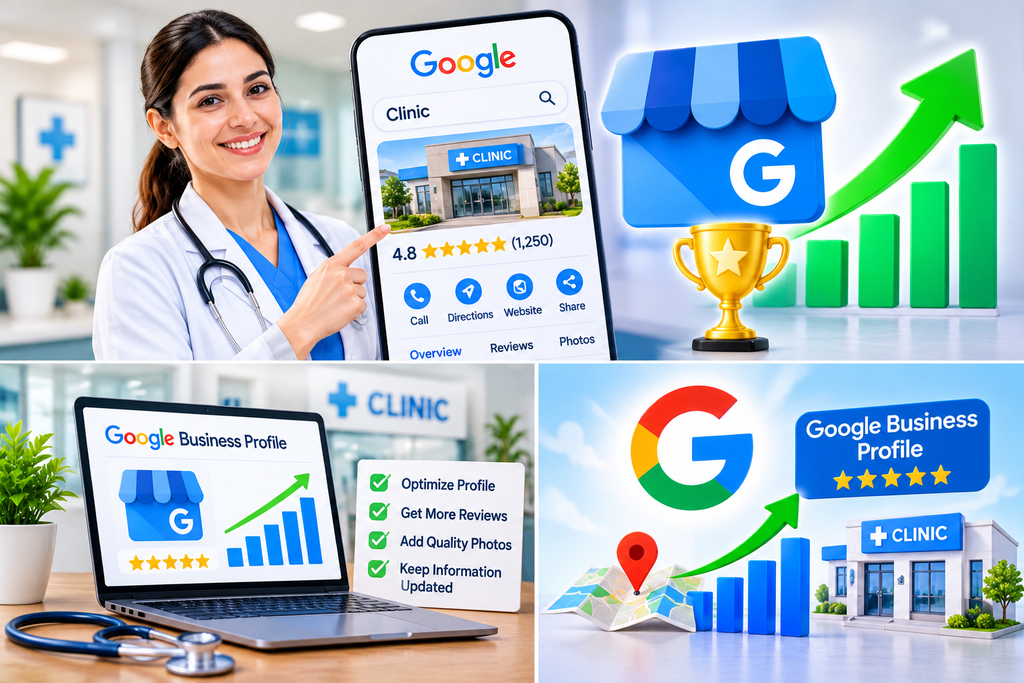
8 Ways Clinics Can Improve Their Google Business Profile Ranking in 2026
1. Claim and Fully Complete Your Profile
Verify ownership first, then fill in every field business name, address, service area, phone number, website, opening hours and appointment link. Incomplete profiles give Google less to match against searches and give patients less reason to trust you. Update holiday hours as well, because wrong timings quickly hurt trust.
2. Choose the Right Primary Category
Your primary category is one of the strongest relevance signals. Pick the most specific option, such as Dental clinic, Dermatologist or “Physiotherapist,” rather than a generic one. Add secondary categories only for services you actually offer.
3. Keep Your NAP Consistent Everywhere
NAP means Name, Address and Phone number. These details should match across your website, social profiles and local directories. Use your real business name only. Adding keywords to it breaks Google guidelines and can lead to suspension.
4. Add Every Service With Clear Descriptions
List each treatment or service separately, such as root canal treatment or child vaccination, with a short, plain language description. This helps Google match your clinic to specific searches and helps patients decide quickly.
5. Earn Genuine Patient Reviews
Reviews influence both ranking and patient confidence. Ask satisfied patients after their visit with a simple link or QR code at reception. Reply to every review professionally, and never share patient details or treatment information in a response. Don’t offer incentives for reviews, because Google’s policies prohibit it.
6. Upload Real Photos and Post Regularly
Add photos of your reception, doctors (with consent), equipment and building entrance. Post updates about health camps, new services or seasonal care. Regular activity tells Google and patients that your clinic is active.
7. Align Your Website With Your Profile
Your website supports your profile’s prominence. Create a dedicated page for each service and location, make sure it loads fast on mobile, and show clear call and appointment buttons. Embed your Google Map and keep the NAP identical to your profile. A professionally designed, mobile-friendly website helps visitors understand your services and contact you easily.
8. Structure Your Information for AEO and GEO
People now ask voice assistants and AI tools questions like “Which clinic near me treats back pain?” Answer engines favour clear, structured, trustworthy information. To prepare:
- Add an FAQ section to your service pages with direct, short answers.
- Use schema markup for your clinic, doctors and services.
- Keep your information consistent across your profile, website and directories.
- Use the Q&A and description areas of your profile to answer common patient questions.
Our AEO & GEO services are built around this shift in search.
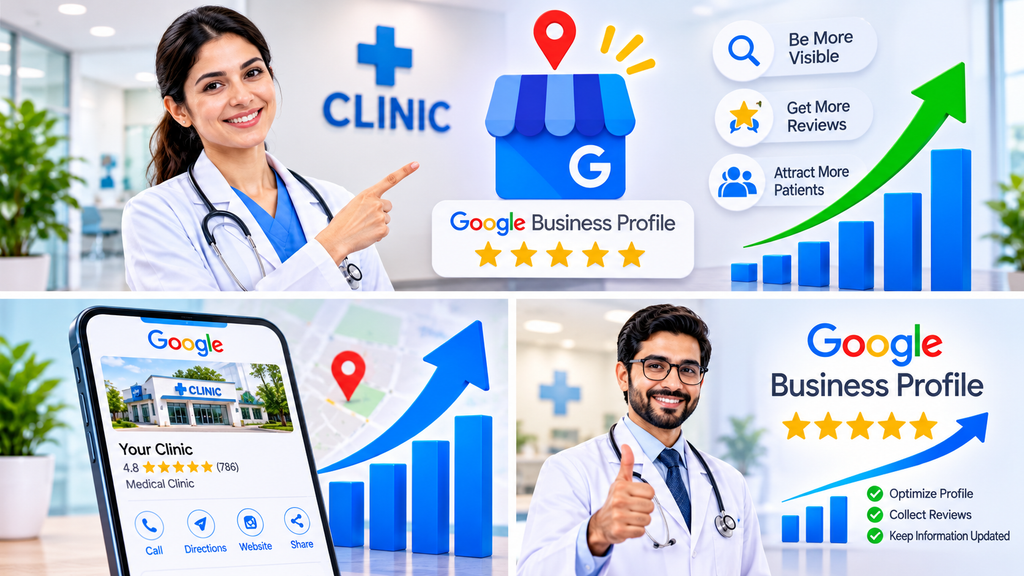
Common Google Business Profile Mistakes Clinics Make
- Leaving the profile unverified or incomplete
- Choosing the wrong primary category
- Ignoring negative reviews
- Using different phone numbers or addresses across platforms
- Never posting or updating photos
- Creating duplicate listings for the same clinic
Fixing these basics often improves visibility faster than any advanced tactic.
Conclusion
A higher Google Business Profile ranking comes from clear information, genuine reviews, consistent details and a website that supports your listing. Clinics that treat their profile as a living asset, not a one-time setup, show up more often when patients are ready to book.
Managing all of this alongside patient care is hard. Our team at Tyagi Digital Solutions offers Google Business Profile Optimization and complete healthcare digital marketing to help clinics get discovered locally.
Frequently Asked Questions
How long does it take to improve Google Business Profile ranking?
Small fixes like categories and hours can show effects within weeks. Reviews, citations and website authority build gradually, so consistent effort over several months gives the strongest results.
Do reviews really affect clinic rankings on Google Maps?
Yes. Review quantity, quality, recency and your replies all feed into prominence and influence whether patients choose you.
Is Google Business Profile enough, or do clinics also need local SEO?
A profile alone rarely holds top positions. Local SEO, including website content, citations and consistent information, strengthens it.
Ready to get your clinic found on Google Maps? Book your free consultation and we’ll review your current profile and suggest practical next steps.